
Contractor Price Setting: How to Calculate What You Should Charge for an Assignment
Setting your price as a contractor is one of the most consequential business decisions you’ll make. Too low and you erode your business viability; too high and the phone stops ringing. The right price sits at the intersection of what you need, what the market will bear, and what value you deliver.
This guide walks through the methodology behind the DayRate3 Price Setter Calculator and gives you a structured framework for pricing any contracting assignment.
Why Most Contractors Get Pricing Wrong
The two most common mistakes:
-
Anchoring to a previous salary. Converting your old permanent salary into a day rate ignores the hidden costs your employer used to cover — super, leave, insurance, training, and bench time. A $150k salary does not translate to $150k ÷ 230 days.
-
Copying the market rate without checking your costs. If everyone charges $900/day but your cost base means you need $950 to break even, matching the market puts you underwater.
The Price Setter works from the ground up: start with your actual costs, build to a minimum viable rate, then position against the market.
Step 1: Establish Your Cost Base
Your cost base is every dollar you spend to operate as a contractor, independent of any specific client. These costs must be recovered before you earn anything.
Typical contractor cost items
| Category | Examples | Typical Range (AUD/year) |
|---|---|---|
| Professional Insurance | PI, public liability, workers comp | $1,500 – $5,000 |
| Tools & Licences | Software subscriptions, hardware depreciation, cloud services | $1,500 – $6,000 |
| Accounting & Legal | Tax returns, BAS lodgement, contract reviews | $2,000 – $5,000 |
| Training & Development | Certifications, courses, conference attendance | $1,000 – $4,000 |
| Other Business Costs | Co-working space, travel, phone, stationery | $500 – $3,000 |
In the calculator, enter annual amounts. They’re automatically divided by your billable days to give a daily cost equivalent.
Tip: Don’t undercount. If you skip insurance to save $3,000 a year and then face a professional indemnity claim, the “saving” is catastrophic.
Step 2: Define Your Salary Component
This is the annual personal income the assignment needs to fund. It covers:
- Your living costs (rent, groceries, transport, bills)
- Superannuation contributions (as a contractor, you fund your own)
- Tax provisions
- Basic personal savings
Think of it as “what would I need to be paid as a permanent employee to maintain my lifestyle?” — then enter that as your base salary requirement.
The calculator converts this to a daily figure using your billable days:
$$\text{Salary Daily} = \frac{\text{Base Salary}}{\text{Billable Days}}$$
Billable days matter
The default is 230 days, but your real number depends on:
- Public holidays (≈ 8 days in most Australian states)
- Annual leave equivalent (20 days if you want 4 weeks off)
- Sick leave buffer (5–10 days)
- Professional development days (5–10 days)
- Gaps between contracts (variable — budget 10–20 days if you’re cautious)
Use the Billable Days Calculator to get a precise figure. Fewer billable days means each day must earn more.
Step 3: Calculate Your Floor Price
Your floor price is the absolute minimum daily rate at which the assignment is financially viable:
$$\text{Floor Price} = \frac{\text{Cost Base}}{\text{Billable Days}} + \frac{\text{Base Salary}}{\text{Billable Days}}$$
Or more simply:
$$\text{Floor Price} = \text{Cost Daily} + \text{Salary Daily}$$
This is your walk-away number. Any rate below this and you are literally paying to work. The calculator highlights it in the results table so you always know the boundary.
Example
| Item | Annual | Daily (÷ 230) |
|---|---|---|
| Cost base | $12,000 | $52 |
| Base salary | $150,000 | $652 |
| Floor price | — | $704 |
At $704/day you cover every cost and pay yourself the equivalent of a $150k salary. You make zero profit.
Step 4: Layer in Your Profit Margin
Profit is what makes the business sustainable long-term. It funds:
- An emergency buffer for gaps between contracts
- Business growth (better tools, marketing, hiring admin support)
- Long-term savings and wealth building (see the Savings Calculator)
- Reward for the additional risk you carry vs a permanent employee
The calculator applies margin as a percentage on top of the floor price:
$$\text{Target Price} = \text{Floor Price} \times \left(1 + \frac{\text{Margin %}}{100}\right)$$
What margin is reasonable?
| Margin | Positioning | When it makes sense |
|---|---|---|
| 5–10% | Lean | Breaking into a new market, long-term contract with low risk |
| 15–25% | Standard | Established contractor, moderate competition, typical 6–12 month engagement |
| 30–50% | Premium | Niche skills, urgent client need, short engagement, high delivery risk |
The calculator shows how your target price compares to the market range so you can instantly see whether your margin pushes you above or below the mid-point.
Step 5: Cross-Check Against Market Rates
Market rates set the ceiling (and for commoditised skills, the floor). The calculator asks for:
- Market Low — the cheapest rate a competent contractor accepts for this type of work
- Market High — the maximum clients pay for top-tier contractors in this space
Where to find market rates
- Job boards: Seek Contractor, LinkedIn Jobs, Indeed — filter by contract and your skill set
- Rate guides: Hays, Robert Half, and Hudson publish annual salary/rate surveys for Australia
- Recruiter conversations: A good recruiter will tell you the band for a specific role
- Peer network: Other contractors in your field are often happy to share ranges (not exact numbers)
Need more detail? We’ve written a comprehensive guide on How to Find Contractor Market Rates — including a repeatable 5-source research method and profession-specific resource tables for IT, Geology, and Academic Research.
Reading the market position bar
The calculator plots your floor and target price on a bar between market low and market high:
- Below market low: Your costs are too high for this market, or the market doesn’t support your salary expectations. Consider reducing costs or targeting a different segment.
- Between low and mid: Competitive but leaving margin on the table. Fine for winning work; risky if you have a gap between contracts.
- Between mid and high: Strong position. You’re earning well and still within the market band.
- Above market high: You need a compelling value story (rare skills, speed, proven results) to justify the premium. Some clients will pay; most won’t.
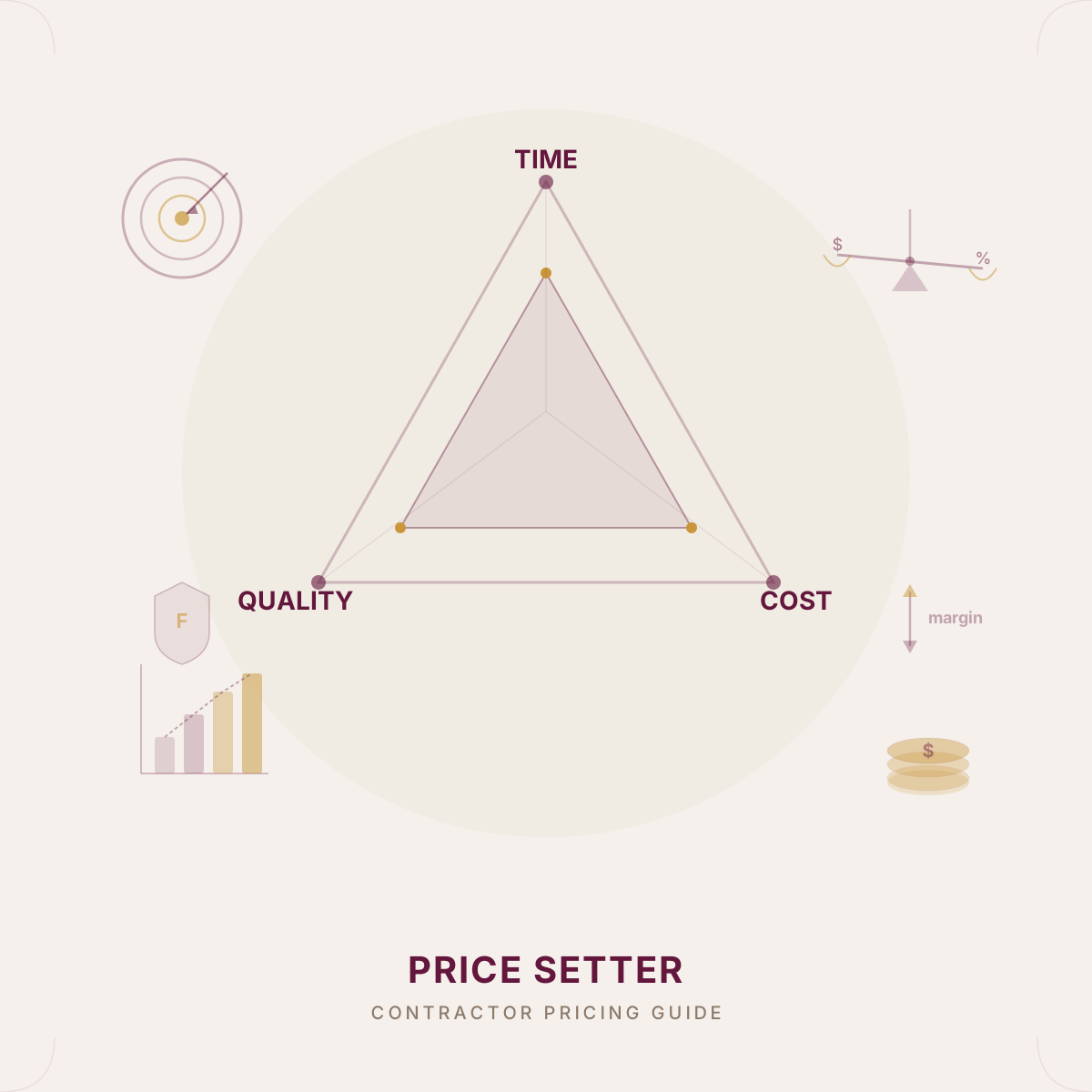
Step 6: The Time–Quality–Cost Triangle
Every client engagement involves three competing constraints:
- Time — How fast the work needs to be delivered
- Quality — How thorough, polished, and robust the output must be
- Cost — How much budget is available
The classic project management axiom: you can optimise for two, but not all three.
How to use the triangle in pricing conversations
The sliders in the calculator help you model and communicate trade-offs:
High Time + High Quality → High Cost If the client wants it fast and flawless, it will cost more. This justifies pricing at or above market high. You’ll likely need to clear your calendar, work extended hours, and front-load the effort.
High Time + Low Cost → Lower Quality Speed on a budget means cutting corners somewhere — less documentation, fewer test cases, broader assumptions. Make this explicit upfront so the client’s expectations are set.
High Quality + Low Cost → More Time Gold-standard work on a tight budget is achievable if you have plenty of runway. This often suits longer engagements where the client is patient.
Balanced (all moderate) Most assignments land here. The triangle helps you identify which constraint will slip first if scope changes.
Using the triangle with clients
When a client pushes back on your rate, the triangle is a powerful negotiation tool:
“I can reduce the cost, but we’ll need to extend the timeline or reduce the scope. Which of those would you prefer?”
This reframes the conversation from “your rate is too high” to “here are the trade-offs.”
Common Pricing Mistakes
1. Ignoring bench time
If you average 10 weeks unbilled per year, your 230 billable days drops to 180. That changes your floor price dramatically. Budget for gaps.
2. Discounting to win work
Offering a lower rate to secure a contract feels pragmatic, but it sets an anchor the client will reference for every future engagement. Discount scope, not rate.
3. Forgetting to re-price
Your costs increase yearly — insurance, software licences, training. If your rate stays flat, your real margin shrinks. Re-run the calculator at least annually.
4. Pricing by gut feel
“I reckon $1,000 a day sounds about right” isn’t a strategy. The calculator exists to replace gut feel with arithmetic.
5. Not differentiating
If you and a competitor both charge $950/day, the client picks whoever is more convenient. Differentiation (speed, depth, niche domain knowledge, excellent communication) lets you command the upper end of the market band.
Putting It All Together
Here’s the sequence for pricing your next assignment:
- Run the numbers in the Price Setter Calculator — enter your real costs, salary, and margin
- Research the market — get the low/high band from job boards, rate guides, and recruiters
- Check your position — is your target price within the market band?
- Model the triangle — which two constraints matter most to this client?
- Set your rate — quote with confidence because the number is backed by arithmetic, not anxiety
- Communicate the value — lead with what the client gets, not what you cost
Contracting is a business. Your rate isn’t what you’re worth as a person — it’s what the assignment needs to cost for your business to be viable and the client to get the outcome they need.
Ready to calculate? Open the Price Setter Calculator and run your numbers now.